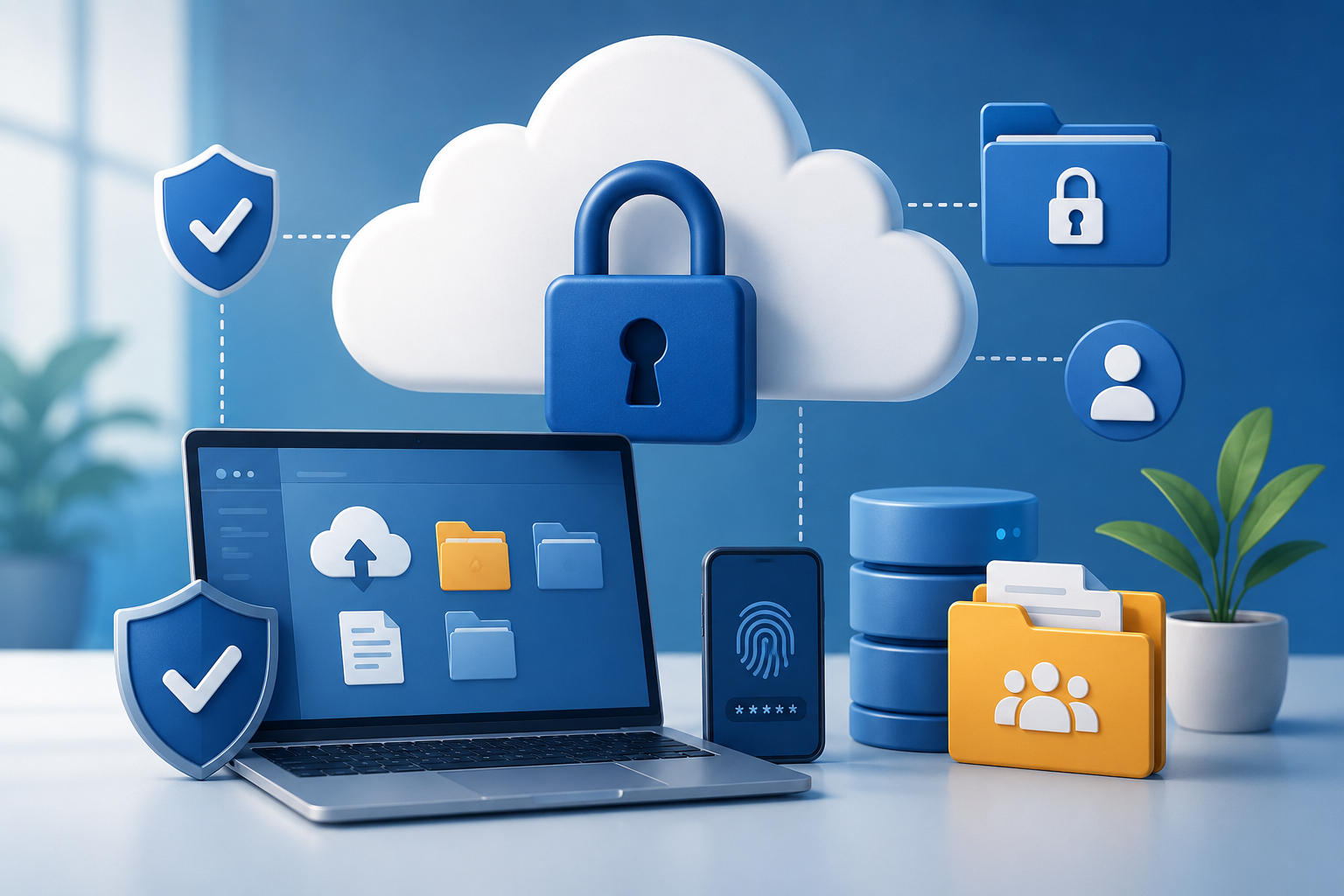
The Growing Importance of Cloud Storage for Nonprofits
Cloud storage has become one of the most important tools for nonprofits today. Whether organizations are managing donor databases, coordinating volunteers, storing grant applications, or sharing internal documents between remote teams, platforms like Google Drive, Microsoft OneDrive, Dropbox, and SharePoint help nonprofits operate more efficiently and collaboratively than ever before. However, as nonprofits become increasingly digital, they also become more vulnerable to cyber threats. Many nonprofits handle highly sensitive information — including donor payment details, employee records, financial documents, and beneficiary data — while often operating with limited IT resources and smaller cybersecurity budgets. This makes strong cloud storage security not just a technical concern, but an essential part of protecting organizational trust and mission impact.
Cloud Providers Alone Are Not Enough
One of the biggest misconceptions nonprofits have is assuming cloud storage platforms are automatically secure simply because they are hosted by major technology companies. While providers like Microsoft and Google invest heavily in cybersecurity infrastructure, organizations are still responsible for how accounts, permissions, and data-sharing settings are managed internally. Many cloud security incidents happen not because the platform itself failed, but because of weak passwords, phishing attacks, excessive file-sharing permissions, or human error.
Multi-Factor Authentication (MFA)
One of the most effective steps nonprofits can take is implementing Multi-Factor Authentication (MFA) across all accounts. MFA adds an additional verification step beyond a password, such as a mobile authentication code or security app. Even if an attacker steals a password through phishing or a data breach, MFA makes it significantly harder for unauthorized users to gain access. Cybersecurity experts consistently identify MFA as one of the strongest and most affordable protections organizations can adopt.
Managing User Access and Permissions
Nonprofits should also carefully evaluate who has access to what information. Too often, organizations grant broad file access to staff, interns, volunteers, and contractors simply for convenience. While open collaboration can improve workflow, it also increases risk if an account becomes compromised. Following the “principle of least privilege” — meaning users only access the information necessary for their role — can greatly reduce exposure to sensitive data.
Important Access Management Practices
- Regularly reviewing account permissions
- Removing former employees and inactive accounts immediately
- Separating donor, payroll, HR, and volunteer records into restricted folders
- Avoiding shared logins between multiple users
- Giving temporary staff limited-duration access only
Protecting Against Phishing and Human Error
Human error continues to be one of the leading causes of cybersecurity incidents, especially through phishing attacks. Modern phishing emails are highly convincing and often imitate trusted organizations, executives, sponsors, or familiar login pages from Microsoft or Google. Nonprofit employees may receive urgent-looking requests related to donations, invoices, volunteer coordination, or grant funding that are designed to steal credentials or install malicious software.
To reduce these risks, nonprofits should invest in regular cybersecurity awareness training for both staff and volunteers. Even short training sessions can significantly improve an organization’s ability to recognize suspicious behavior and avoid common scams.
Training Topics Should Include
- Recognizing fake login pages and suspicious emails
- Verifying unusual financial or payment requests
- Avoiding unknown attachments and links
- Reporting suspicious activity immediately
- Understanding how social engineering attacks work
Securing File Sharing
Another major area nonprofits often overlook is file-sharing security. Cloud platforms make collaboration incredibly easy, but that convenience can sometimes lead to accidental public exposure of sensitive files. Shared links configured as “anyone with the link” may unintentionally expose donor spreadsheets, financial reports, internal strategy documents, or confidential client information online without organizations realizing it.
Ways to Improve File-Sharing Security
- Disable public sharing whenever possible
- Require authentication to access sensitive files
- Set expiration dates on shared links
- Review external sharing permissions regularly
- Monitor unusual download activity or large file transfers
The Role of Encryption
Encryption is another essential layer of protection. Most major cloud providers automatically encrypt files both while they are being transferred and while stored on servers, helping prevent unauthorized access. However, nonprofits should still verify that encryption settings are enabled and understand how their providers manage account recovery and security controls. For especially sensitive information, organizations may also consider password-protected documents or additional encryption tools.
Why Backups Matter
Backups are equally critical. Many nonprofits mistakenly assume that cloud storage itself functions as a complete backup solution. In reality, ransomware attacks increasingly target cloud environments and backup systems directly. Organizations should maintain multiple copies of important data, including at least one isolated or offline backup that cannot be easily accessed by attackers.
Strong Backup Practices Include
- Maintaining multiple backup copies
- Testing backup restoration procedures regularly
- Limiting access to backup administration settings
- Monitoring unusual deletion activity
- Keeping at least one offline or immutable backup
Choosing Trusted Cloud Providers
Choosing trusted cloud providers also plays a major role in overall security. Established platforms such as Google Workspace for Nonprofits and Microsoft 365 Nonprofit offer significantly stronger protections than most self-managed systems, including encryption, centralized administration, audit logs, security monitoring, and compliance tools. Many of these services also provide nonprofit discounts or grants that make enterprise-level security more accessible to smaller organizations.
Reducing Unnecessary Data Storage
Nonprofits should also recognize that reducing unnecessary data storage is itself a valuable cybersecurity strategy. Old donor exports, outdated volunteer records, duplicate spreadsheets, and inactive accounts all create additional risk over time. If information no longer serves an operational or legal purpose, securely deleting it can reduce the impact of future breaches.
A Data Retention Policy Should Outline
- What information is stored
- Who is responsible for managing it
- How long data should be retained
- When and how data should be securely deleted
Preparing an Incident Response Plan
Perhaps most importantly, nonprofits should prepare for incidents before they happen. Cybersecurity incidents can occur even in well-protected organizations, and having a response plan can dramatically reduce confusion, downtime, and reputational damage.
An Incident Response Plan Should Include
- Emergency contacts
- Password reset procedures
- Backup recovery instructions
- Staff reporting responsibilities
- Vendor and IT support contacts
- Communication plans for stakeholders and donors
Cybersecurity Is About Protecting Trust
For nonprofits, cybersecurity is ultimately about protecting trust. Donors trust organizations with financial information, volunteers trust nonprofits with personal data, and communities trust organizations to safeguard sensitive information responsibly. Cloud storage has allowed nonprofits to become more collaborative, flexible, and efficient, but security must become part of everyday organizational culture rather than an afterthought.
The strongest nonprofit cybersecurity programs are not necessarily the most expensive — they are the most consistent. By implementing Multi-Factor Authentication, limiting unnecessary access, educating staff, securing backups, monitoring file sharing, and regularly reviewing security practices, nonprofits can significantly reduce their exposure to cyber threats while continuing to focus on their mission and the communities they serve.
Helpful Cybersecurity Resources for Nonprofits
Helpful resources for nonprofits looking to strengthen their cybersecurity practices include:
- CISA Cybersecurity Resources for Nonprofits
- Microsoft for Nonprofits
- Google for Nonprofits
- TechSoup
- National Council of Nonprofits Cybersecurity Guidance