By Jeff Ely, IT4Causes Volunteer
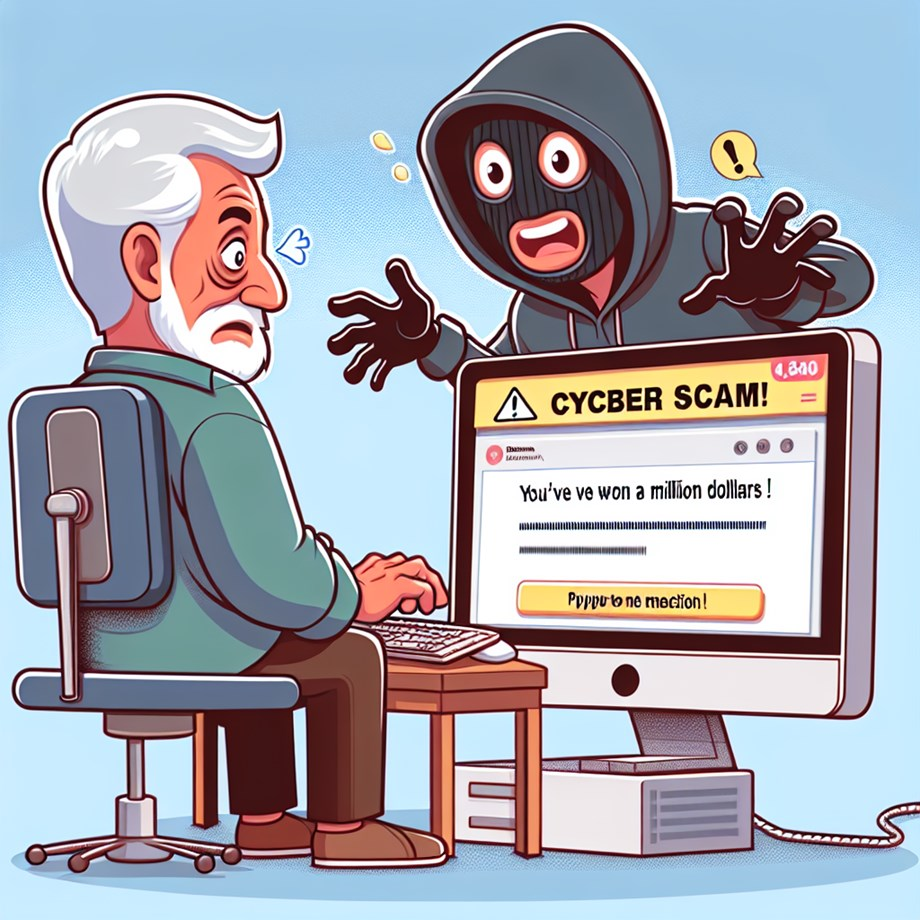
Non-Profit organizations are increasingly targeted by “Fake Tech Support” scams because they often manage sensitive donor data with limited IT resources. Scammers impersonate household names like Microsoft, Apple, or Geek Squad to create a false sense of urgency, claiming your system is “infected” or a “subscription has expired.” Their goal is simple: to gain remote access to your network, steal donor information, or extort “repair fees” via untraceable methods like gift cards and wire transfers. A single “Fake Tech Support” incident can lead to data breach, loss of donor trust, or the theft of restricted funds.
3 RED FLAGS for Non-Profit organizations
- The “Urgent” IT Outreach: You get a call or email from “Tech Support” claiming your organization’s system is compromised or your email is about to be deleted.
- Reality: Scammers exploit the urgency of keeping your operations running.
- The “Software Renewal” Invoice: An email arrives for a “Microsoft” or “Geek Squad” subscription renewal for a laptop or software application you do not recognize, an asking you to call to “cancel.”
- Reality: This is a “Refund Scam” designed to get you on the phone and into your system.
- Requests for Remote Access: Someone claiming to be from “Microsoft” or “Your Bank” asks you to download software (like AnyDesk or TeamViewer) to “secure your donor database.”
- Reality: They want a backdoor into your confidential records.
YOUR PROTOCOL: STOP. THINK. VERIFY.
- HANG UP & CLOSE OUT: If a window pops up saying “System Error” with a phone number, do not call it. Force-quit your browser or restart your computer.
- Trust the Protocol, Not the Caller: Legitimate tech companies like Microsoft and Apple never send unsolicited messages or make cold calls to report computer problems.
- NO GIFT CARDS/WIRE TRANSFERS: No legitimate vendor or government agency (like the IRS or FBI) will ever ask a non-profit to pay a bill or “protect funds” via gift cards, wire transfers, or cryptocurrency.
INCIDENT RESPONSE (if you clicked or called)
- Disconnect: Immediately turn off your computer, log out of any web based applications
- Alert Leadership: Notify the Executive Director or IT your support (on a verified channel) immediately. They will need to check if your Donor Management System, Accounting Software or Organization Data was accessed.
- Change Credentials: Change your passwords from a different, clean device.
- Protect Your Donors: If sensitive data was exposed, you have a legal and ethical obligation to follow your data breach response plan.
NOTE: Scammers rely on you being busy and helpful. It is never rude to hang up on a suspicious caller. Protecting your organization’s data is part of your mission.
If you need assistance with any tech needs for your nonprofit, please reach out to us!
Reference data
https://consumer.ftc.gov/articles/how-spot-avoid-and-report-tech-support-scams
https://www.fbi.gov/how-we-can-help-you/scams-and-safety/common-frauds-and-scams/tech-support-scams
